
Square POS integration for bar inventory
Jery does Square inventory management for bars, down to the pour. Connect Square with a read-only sign-in and sales arrive every night, late voids and refunds included. Each item is matched to its drink once, so stock, margins and the forecast run on what your Square rang.

Jery signs in read-only and can't change anything on your POS.
What comes across from Square
One sync a night, read-only, by the hour your bar's day ends.
| From Square | When | What Jery does with it |
|---|---|---|
| Items sold | Nightly | Quantities and net sales per item, with modifiers already in the drink's price. |
| Discounts and comps | Nightly | Counted in the night's numbers and watched for comps running hot. |
| Voids and refunds | Nightly | Late ones land on days already synced. A refund posts as a negative on the day it was issued. |
| Time of sale | Nightly | Places a 01:30 sale on the night it belongs to, by the hour your bar's day ends. |
| Checks | Nightly | Each check's total, so the average check is real. Square doesn't record guest counts, so Jery never asks for them. |
| Past sales | When you choose | Brought in for the dates you pick, so comparisons and the forecast have history from day one. Re-sync any day on demand. |
How Square sales run your bar inventory
A bar's stock is in bottles, and one bottle pours into a dozen different drinks.
Once a Square item is matched to its drink, every one sold is read through its spec: a Negroni sold is 30 ml each of gin, Campari and vermouth.
Counts set what's on the shelf
Count by phone, scan or voice. Jery marks what's low or out against your pars and drafts the order for the rep.
Sales say what should have been poured
Between two counts, Jery works out the usage your Square sales account for, takes off logged waste, and shows what went unaccounted for, in bottles and in money.
Invoices keep each pour's cost current
Forward the supplier invoice, approve it, and every drink re-costs, so the margin on each Square sale is the margin at today's price.
Bar inventory in JeryPar levels for a bar, with a free par sheet
Set up in a couple of minutes
An owner or admin connects it once. From then on, every night's sales come in on their own.
- In Jery
Open Imports in Sales and choose Square
Choose Square from the list of connections. If you've been uploading Square files, keep them: connection data takes over for the days it covers, so nothing is counted twice.
Settings · SalesConnectionsSquare Nightly sync · read-onlyConnectToast Nightly syncConnectUpload a file Any POS · CSV or ExcelUpload - In Square
Sign in to Square and allow read access
You sign in on Square's own page. There's no key to copy and no password shared with Jery. Jery asks only to read your sales and your locations.
Square · sign-inJery wants to connectto The Marlowe's Square accountRead orders and paymentsRead items and categoriesRead locationsChange prices, items or settingsTake or refund paymentsDenyAllow - Back in Jery
Pick the location and bring in your history
If your Square account has several locations, choose which one is this bar. Then pick the dates of past sales to bring in, and each day shows on the sales calendar as it lands.
ConnectedSquare · The MarloweBringing in your history412 of 548 daysAug 2024 → todayYou can keep working. Matching starts as soon as the first days arrive.
- Once
Match your Square items to your drinks
Square item names are matched to your drinks and bottles: exact names first, then close spellings, then Jery's own read. Accept them in a batch, correct a few, and the matches stick for every night after.
What you get from itMatch review96 Square items · 88 matchedPPR PLANE → Paper Plane Exact Espresso Mtni → Espresso Martini Close House Lager 0,5L → House lager · 500 ml Jery Gift card → Other sales Set aside Review 8 leftAccept 88
Square connection questions
Anything we missed? Ask on your application.
Does Jery see card numbers or payment details?
No. Jery reads what was sold, when, and for how much. Card details stay in Square.
We have two Square locations. How does that work?
Each location connects to its own bar in Jery, with its own team, stock and numbers. With group features on Pro, you see them side by side.
What happens if I disconnect?
Sales already imported stay in Jery. New nights stop arriving until you reconnect or upload a file.
Who can connect it?
Anyone whose role in Jery allows it, owners and admins by default, signed in to a Square account that can see the location.
What if a sync fails?
The connection retries, and if it keeps failing it pauses itself and shows it on the sales calendar, so a missing day is never silent. Reconnect from the Imports page, or fill the gap with a file.
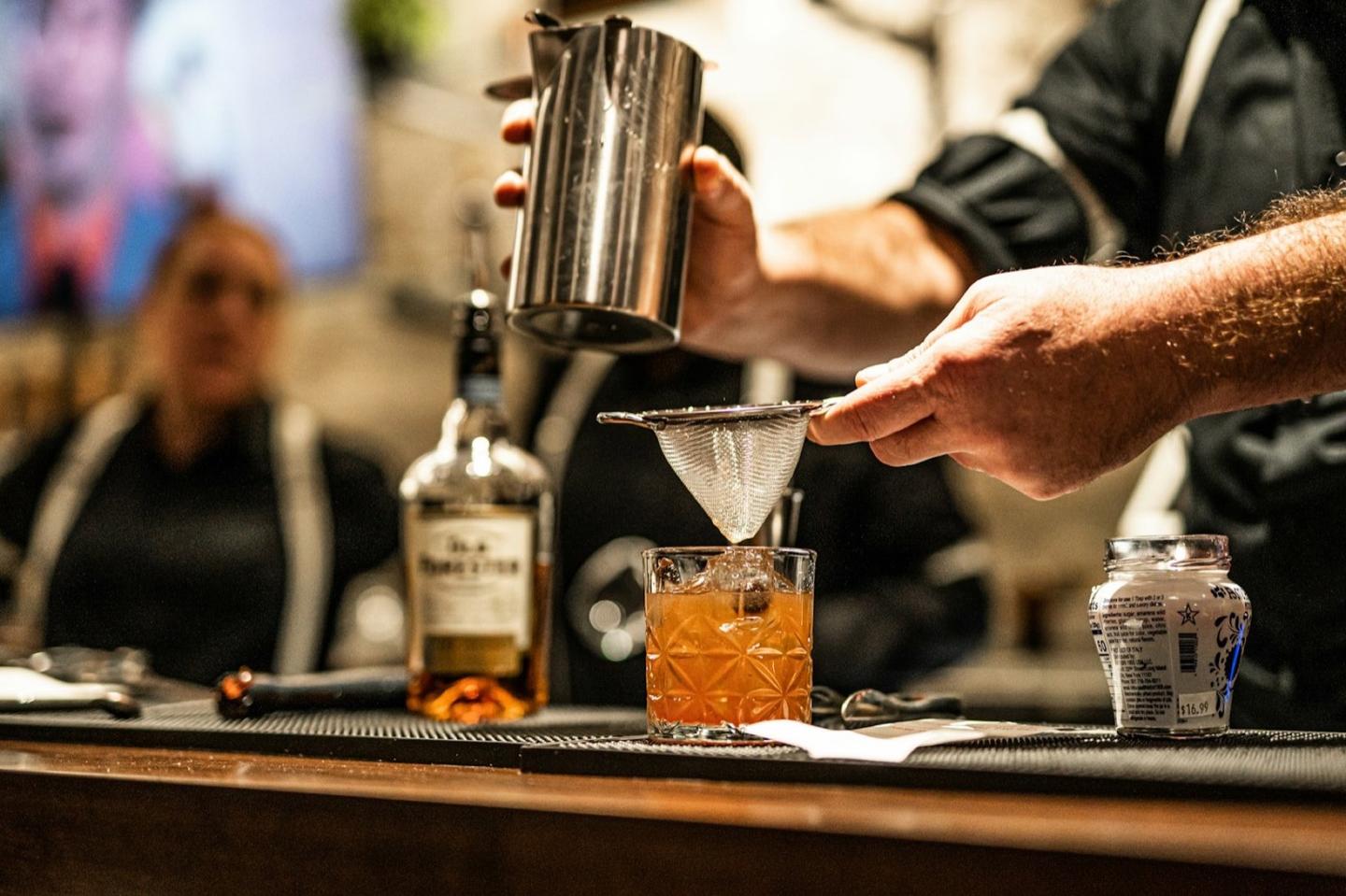
Every Square sale, read through its spec
Early access is free for your whole team, with no card. Founding bars keep 30% off list for 12 months on annual billing. Plans from $149 per bar a month, billed annually.