
Know what's happening at every bar, even when you're not there
Jery is food and beverage inventory software that brings margins, stock and orders from every bar into one place, so you can see how the group is doing. House specs stay consistent across locations, while each bar keeps its own prices and team.

Every outlet in one viewShared specs, local pricesFindings sent to the right manager
Where consistency slips between bars
The house daiquiri is a different drink in every bar.
One shared spec library, on every phone
Approve a change to a house spec once, and the updated version reaches every bar serving that drink.
Recipes & costingTwo of your bars pay different prices for the same bottle.
See price gaps across your bars
Jery flags when two bars pay different prices for the same bottle and brings their orders together by supplier.
Invoices & pricesHarbor Side's stock losses climbed, but you didn't find out until month-end.
See how each bar compares every morning
Compare margins, stock value and losses across your bars. Jery flags outliers and sends the findings to the manager responsible.
Sales & menu engineeringEvery bar side by side
See net sales, margins, stock value and losses for each bar, alongside the forecast for the next seven nights. Jery flags outliers against the group so you know where to look first.
Open any bar to read its own numbers in full.
No sales yet, with its menus and specs ready.
Across your bars
Each bar keeps its own data and team. Across the group, you can share house specs, combine supplier orders and use an existing bar to set up a new one.
- Every morning
Know what needs attention at each bar
Each morning, Jery highlights what needs attention across the group. A jump in stock loss goes to that bar's manager. A supplier price increase affecting two bars comes to you.
Each finding shows why it was flagged, with a link to the numbers behind it.
Sales & menu engineeringOld Town · loss up 3.1 pts since the last countEtna Rosso and La Marca Prosecco lead it→ LucaBuffalo Trace +9.0% hits margins at 2 barsPaper Plane, Gold Rush and Old Fashioned re-costed→ youHarbor Side · comps up 40% this weekAgainst its trailing four-week average→ Marcus - Every spec change
Change a house spec once for every bar
House specs, batches and the product catalog live in one shared library. Change the house Negroni once, approve it, and every bar that pours it gets the new spec, re-costed at that bar's own prices.
Each bar can still have its own drinks alongside the shared house list. You can see who made every change and what changed.
Recipes & costingNegroni · shared library Waiting for youCocchi Vermouth di Torino Ines30 ml27.5 mlThe Marlowe cost $2.76 → $2.6981.6% → 82.1%Harbor Side pours it on 2 menusreaches 2 menusOld Town pours it as an aperitivoreaches 1 menuCancelApprove for 3 bars - Every order
Combine orders across your bars
After each bar finishes its count, Jery builds an order from its par levels. You can combine those orders by supplier, so each rep receives one order for the group. Jery also flags price differences for the same bottle.
Short in one bar and long in another? Log a transfer and the stock moves on both sides.
Stock & countsDraftPooled orders · this week3 bars, 3 suppliersSupplier Lines Total Harbor Wine & Spirits 14 $3,034.34 Vineyard Row Imports 5 $508.00 Stillwater Provisions 3 $372.90 Review linesSend 3 orders$Old Town pays $2.10 more for CampariSame bottle, same supplier. Pooling the order puts every bar on one price.⇄Transfer loggedHarbor Side → Old Town · 4 × Campari 1 L. Stock moved on both sides. - Opening a bar
Start the next bar as a copy
An owner or admin can copy an existing bar to set up a new one. Recipes, ingredients, batches, menus, designs and settings come across, while the team, invites, chat history and billing stay behind.
Invite the opening manager while the copy runs. One person can belong to several bars with the right role in each.
Import your barCopying · 64%Copy a barThe Marlowe → NorthsideComes across- Recipes and pre-batches
- Ingredients and containers
- Menus and designs
- Images and settings
Stays behind- Team and pending invites
- Chat history
- Billing
Questions groups ask
More in the FAQ.
Does Jery work with Oracle Simphony?
Yes. Oracle Simphony connects directly and sends every bar's sales each night, alongside Toast, Square and Clover. A bar on another POS works from its sales export. See Integrations.
Do we have to move every bar at once?
No. You can start with one bar, bring in its recipes, invoices and sales, and get everything working there first. New bars can then be set up from that location, with their own invoices and sales. Groups of four or more get a call and guided setup with Jason.
What if our outlets share one store room?
Two ways. Log transfers between bars, and the stock moves on both sides. Or, if two outlets truly share one store room and one team, run them as one bar with several areas and menus. Counts from each area roll up into one bar total.
How do roles work across the group?
You decide what each role can see and do. A group beverage director can edit shared specs across every bar, while a bar manager runs one location. Floor staff can see specs and counts without seeing costs.
Someone working across locations can have a different role in each. Staff sign in with a one-time email code or Google, with no password to remember.
Can our bars be in different countries?
Yes. Each bar uses its own currency, measurements and tax settings, based on its country. If you're managing bars across currencies, talk to Jason about how you'd like the group view to display them.
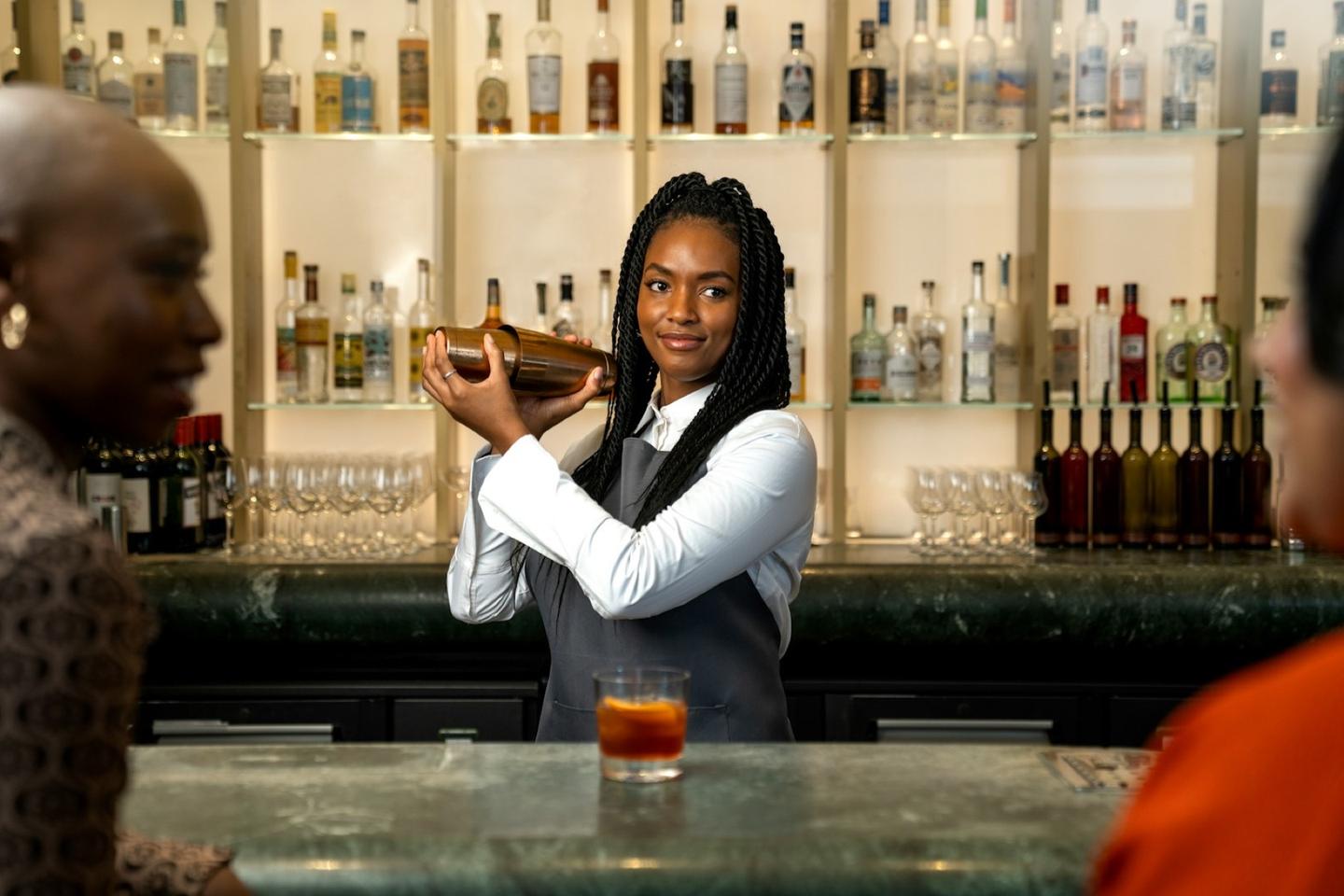
One house standard across every bar
Early access is free, with no card. Founding groups keep 30% off list for 12 months on annual billing.